
Migration of http to https in cPanel
[ad_1]
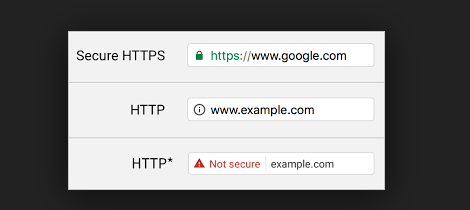
A website request form without secure: HTTP is HyperText Transfer protocol that is used in networking. Whenever basically you type a website in the browser. By default website loading from normal 80 port with http:// request. Whenever a request is initiated by the client to server, an underlying TCP handshake is done from client to server-side. Once the handshake is completed then HTTP protocol starts sending requests and server fulfils the request based on the data available with it.
A website request form with secure: HTTPS is HyperText Transfer protocol secure that is used in networking. Whenever basically you type a domain name in the browser. By default website loading from normal 443 port with https:// request. This is Hypertext Transfer protocol with added security layer in place in the form on TLS/SSL. Servers and clients communicate with each other exactly the same as HTTP but over a secure channel.
1) It is confirmed after using HTTPS that you are talking to the server directly that you are thinking of.
2) It also ensures that only the server reads the data you sent over the network. No else can read it.
3) And also your secret data transfer with encrypted form.
With HTTPS How the SEO ranking gets improved:
The secure website has more priority for the Google analysis, If the website is loading from HTTPS it's the high trusted website consider by Google analysis. If you are any competitor having the same or any better than you. But there website insecure means, A Google analysis give the first priority to secure website. The visitor also giving more priority for the Secure website. because of the trusted company.
After Install SSL It's unsecured or Padlock is Missing Error:
1. Check the SSL certificated is installed successfully or not.
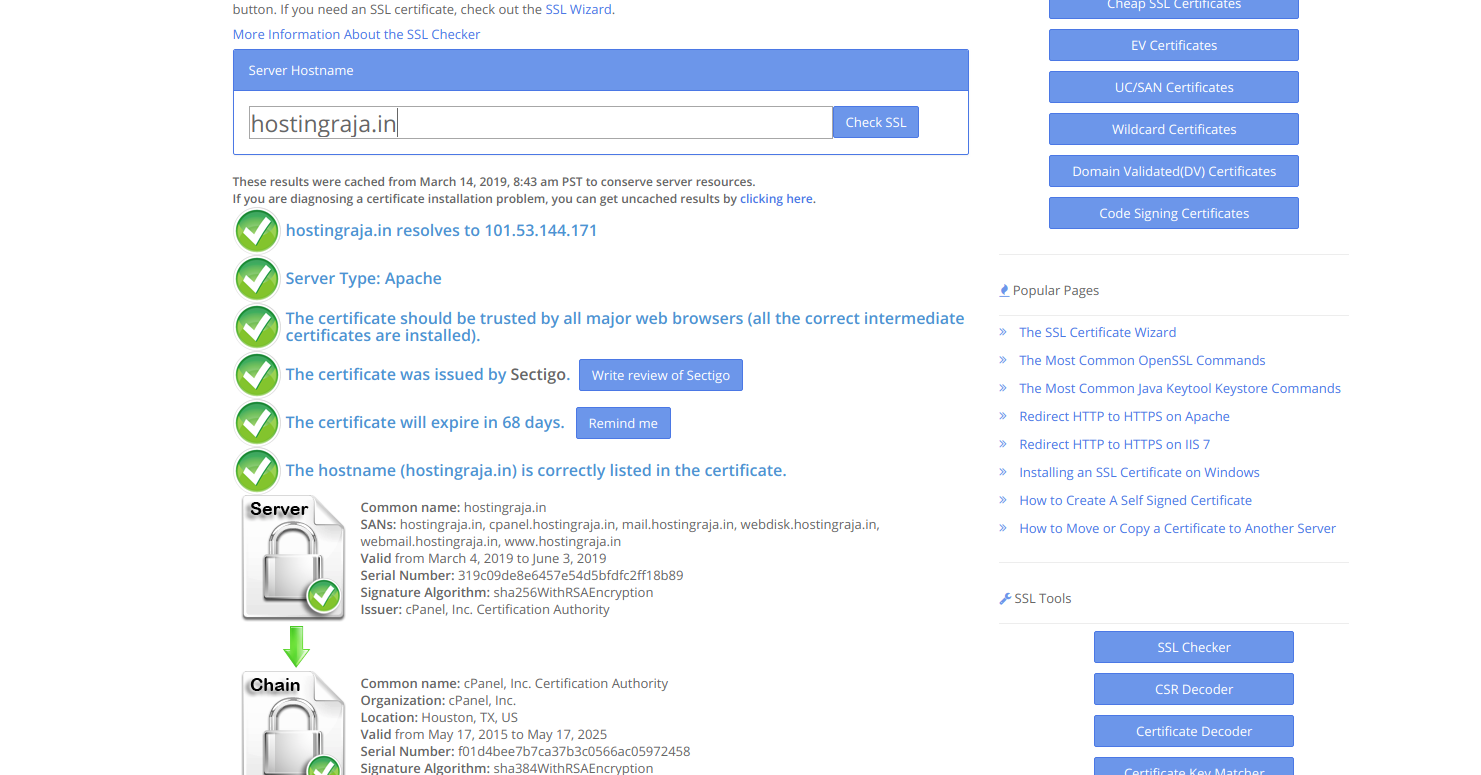
Once the SSL certificated is installed. Check the from the below links SSL is properly installed or not. https://www.sslshopper.com/ The SSLshopper is helping to check the SSL certificated is installed properly and then when it's gets expiring. SSL related query for your domain you can get it from the SSLshopper.
 2. Then apply the redirection script for your .htaccess file. Copy and paste the redirection script to your .htaccess file and them replace your domain at the place of example.com.
The secure website has more priority for the Google analysis, If the website is loading from HTTPS it's the high trusted website consider by Google analysis. If you are any competitor having the same or any better than you. But there website insecure means, A Google analysis give the first priority to secure website. The visitor also giving more priority for the Secure website. because of the trusted company.
After Install SSL It's unsecured or Padlock is Missing Error:
1. Check the SSL certificated is installed successfully or not.
Once the SSL certificated is installed. Check the from the below links SSL is properly installed or not. https://www.sslshopper.com/ The SSLshopper is helping to check the SSL certificated is installed properly and then when it's gets expiring. SSL related query for your domain you can get it from the SSLshopper.
2. Then apply the redirection script for your .htaccess file. Copy and paste the redirection script to your .htaccess file and them replace your domain at the place of example.com.
RewriteEngine On
RewriteCond %{HTTP_HOST} example.com [NC]
RewriteCond %{SERVER_PORT} 80
RewriteRule ^(.*)$ https://example.com/$1 [R,L]
3. After applying the redirection script still unsecured or Padlock is missing this problem with your file structure inside the PHP file you're using the unsecured links directly to script. For example:
<a href="http://example.com/images/log.png">log</a>Otherwise, you using the unsecured script inside the tables from the database. For that your export the database and find and replace the http:// to https://
4. In WordPress CMS after installing the SSL, it's shown unsecured or Padlock it missingManually how to change the http:// to https:// for your WordPress website.
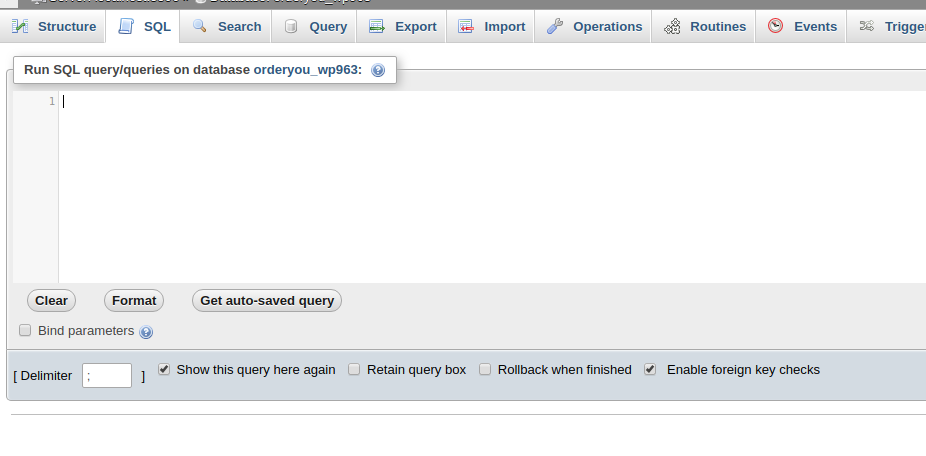
Run the below script from your PHPMyAdmin
UPDATE wp_options SET option_value = replace(option_value, 'http://www.example.com', 'http://example.com') WHERE option_name="home" OR option_name="siteurl";
UPDATE wp_posts SET post_content = replace(post_content, 'http://www.example.com', 'http://example.com');
UPDATE wp_postmeta SET meta_value = replace(meta_value,'http://www.example.com','http://example.com');2. From the WordPress Plugin redirect to http:// to https://.First, you need to install and activate the Really Simple SSL. Upon activation, you need to visit the Settings » SSL page. The plugin will automatically detect your SSL certificate, and it will set up your WordPress site to use HTTPs.
Advertisement