
Linux Virtual host (PanelSewa)
[ad_1]
You can manage the clients by editing or deleting to there account in one place. It is nothing but just like list account and create an account. We provide one of the best performing VPS using advanced technologies, We use the best virtualization platform such as KVM, VMWare for Linux VPS Web Hosting. We provide the latest version of IIS servers, pre-installed Email servers, fully 100% managed support, MSSQL connected to Plesk panel and ready to use.
Steps:
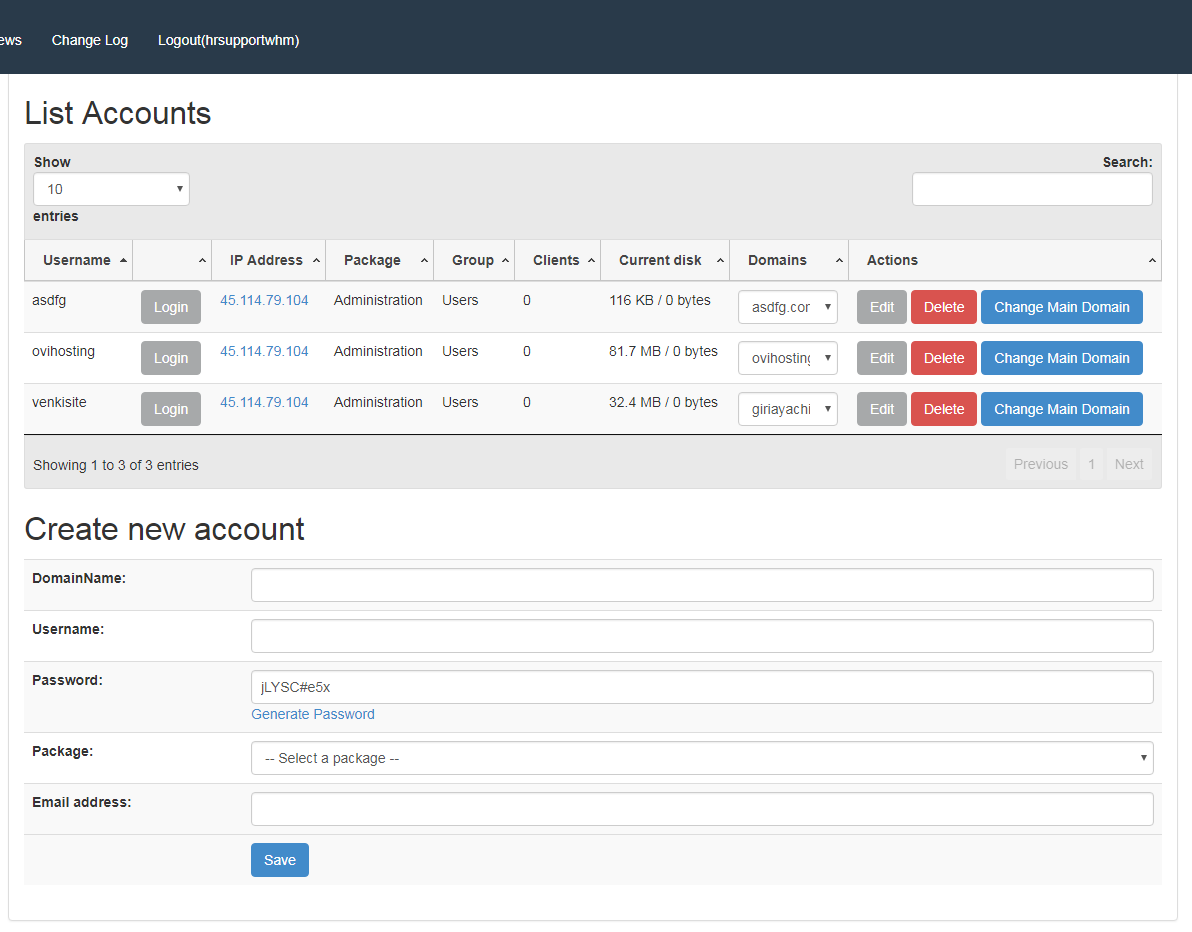
1. You can view the listed accounts in this module and even create, edit and delete the account also.
2. Create a new account
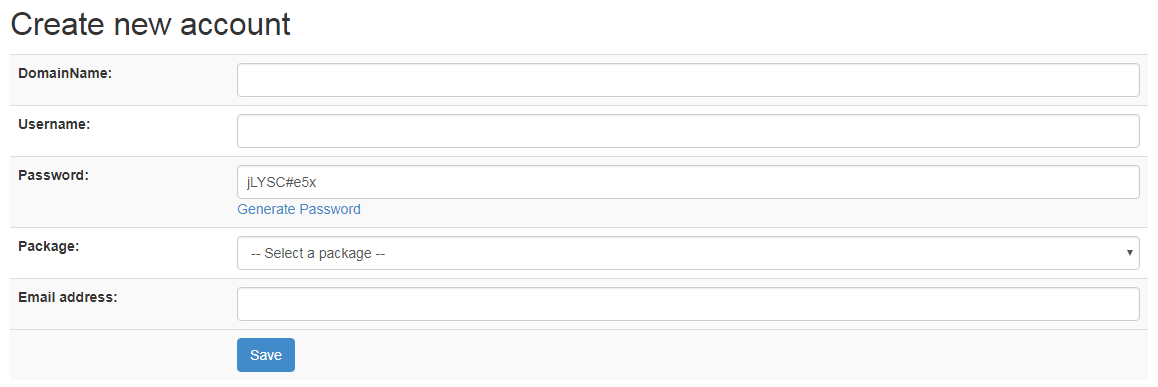 3. Enter the Domain Name which you want to create
 4. Type the user name or else the user name will be already taken from Domain Name.
 5. Click on generate Password you get a unique password or else you can keep a password which strong.
 6. You can select the package by clicking on select a package option.
 7. Enter your Email Address in this option.
 8. Click on save to create the account.
 9. Created Account will be displayed in the list accounts.
 10. Using show option you can choose how many entries you want to see. If you have more than 25 entries than you can use this option to display all at once.
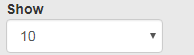 11. This will show all these
 12. click on login to the account which you want to log in
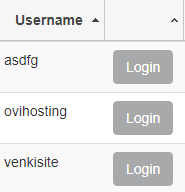 13. you can use the search box to search an account
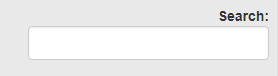 14. You can click on edit to edit any detail of that account
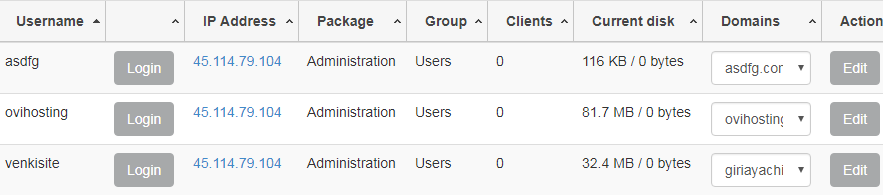 15. You can click on delete if you want to delete that account.
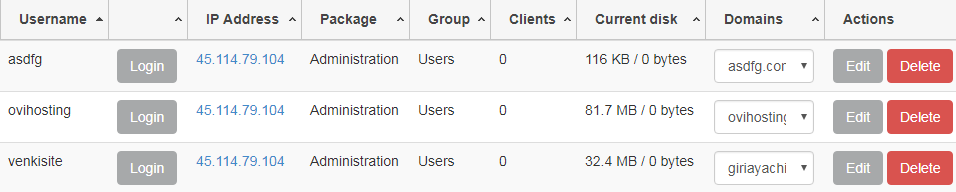 16. You can click on the change domain name if you want to change the domain name.
 VPS Hosting from HostingSewa with 6 different hosting plan from which you can choose the best for your website. HostingSewa offers the best VPS Hosting with all the features at an affordable price. Using the Manage Clients module you can manage your clients at one place. by creating, editing, and deleting their accounts. Using this Manage client you can create many accounts and list it.
[ad_2]
VPS Hosting from HostingSewa with 6 different hosting plan from which you can choose the best for your website. HostingSewa offers the best VPS Hosting with all the features at an affordable price. Using the Manage Clients module you can manage your clients at one place. by creating, editing, and deleting their accounts. Using this Manage client you can create many accounts and list it.
[ad_2]
2. Create a new account
3. Enter the Domain Name which you want to create
4. Type the user name or else the user name will be already taken from Domain Name.
5. Click on generate Password you get a unique password or else you can keep a password which strong.
6. You can select the package by clicking on select a package option.
7. Enter your Email Address in this option.
8. Click on save to create the account.
9. Created Account will be displayed in the list accounts.
10. Using show option you can choose how many entries you want to see. If you have more than 25 entries than you can use this option to display all at once.
11. This will show all these
12. click on login to the account which you want to log in
13. you can use the search box to search an account
14. You can click on edit to edit any detail of that account
15. You can click on delete if you want to delete that account.
16. You can click on the change domain name if you want to change the domain name.
VPS Hosting from HostingSewa with 6 different hosting plan from which you can choose the best for your website. HostingSewa offers the best VPS Hosting with all the features at an affordable price. Using the Manage Clients module you can manage your clients at one place. by creating, editing, and deleting their accounts. Using this Manage client you can create many accounts and list it.
[ad_2]Advertisement